Turn on debugging
Debugging lets the Sharkify app on your iPhone put Sharkify on your Shark. It takes about a minute on the Shark’s own screen, with the Shark switched on and in Park. It switches itself off again whenever the Shark restarts.
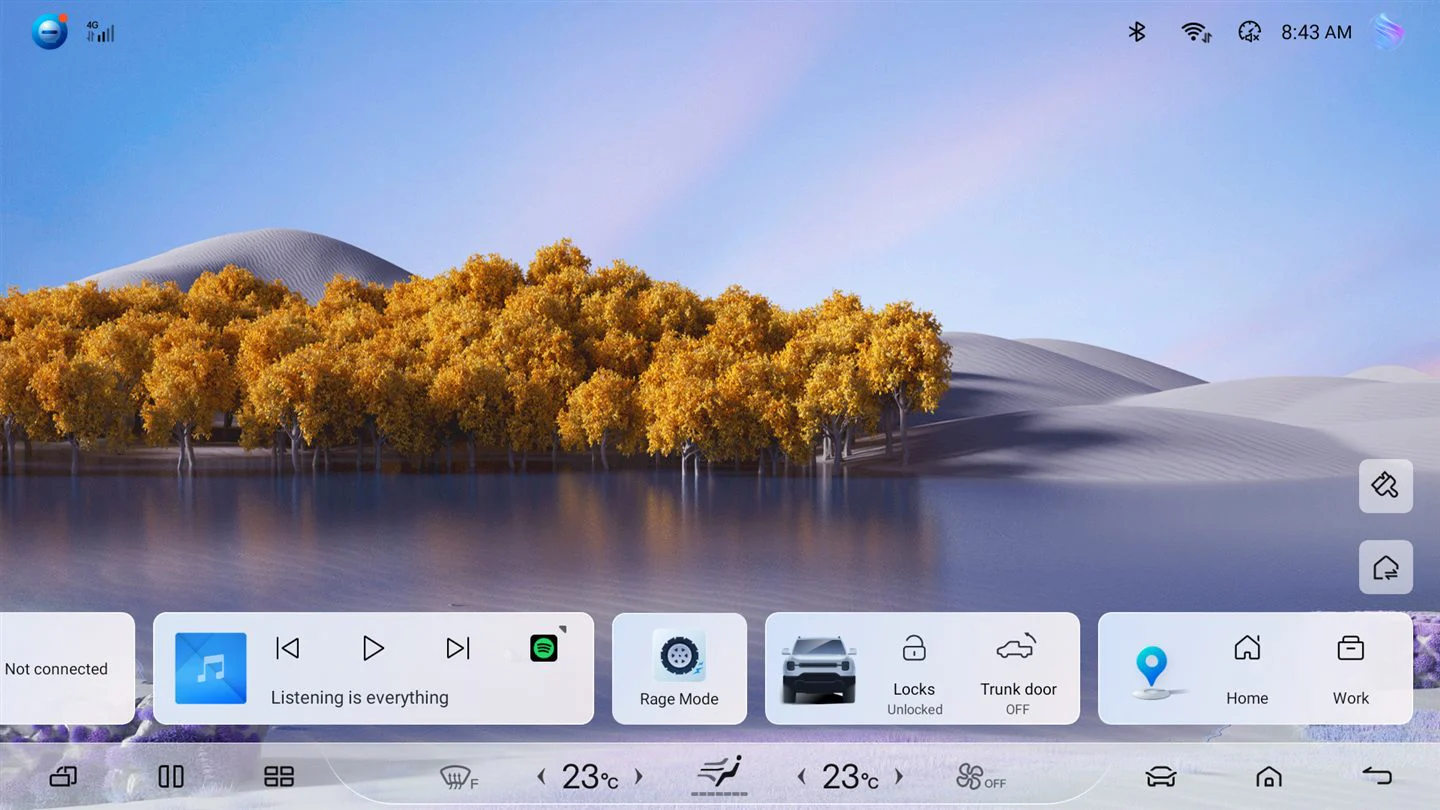
Step 1 of 7
Open the car settings
On the Shark’s screen, tap the car at the bottom right.
The Shark’s screens are real, from a BYD Shark 6 on software 56.1.2, and yours may look slightly different after a BYD update. The iPhone screen is Sharkify’s own. Debugging needs no USB cable, whatever the button says.