Set up Sharkify on your Shark
First you enable ADB on the Shark. ADB is the standard Android connection the Sharkify app on your iPhone uses to put Sharkify on your Shark. It takes about a minute on the Shark’s own screen, with the Shark switched on and in Park, and it switches itself off again whenever the Shark restarts.
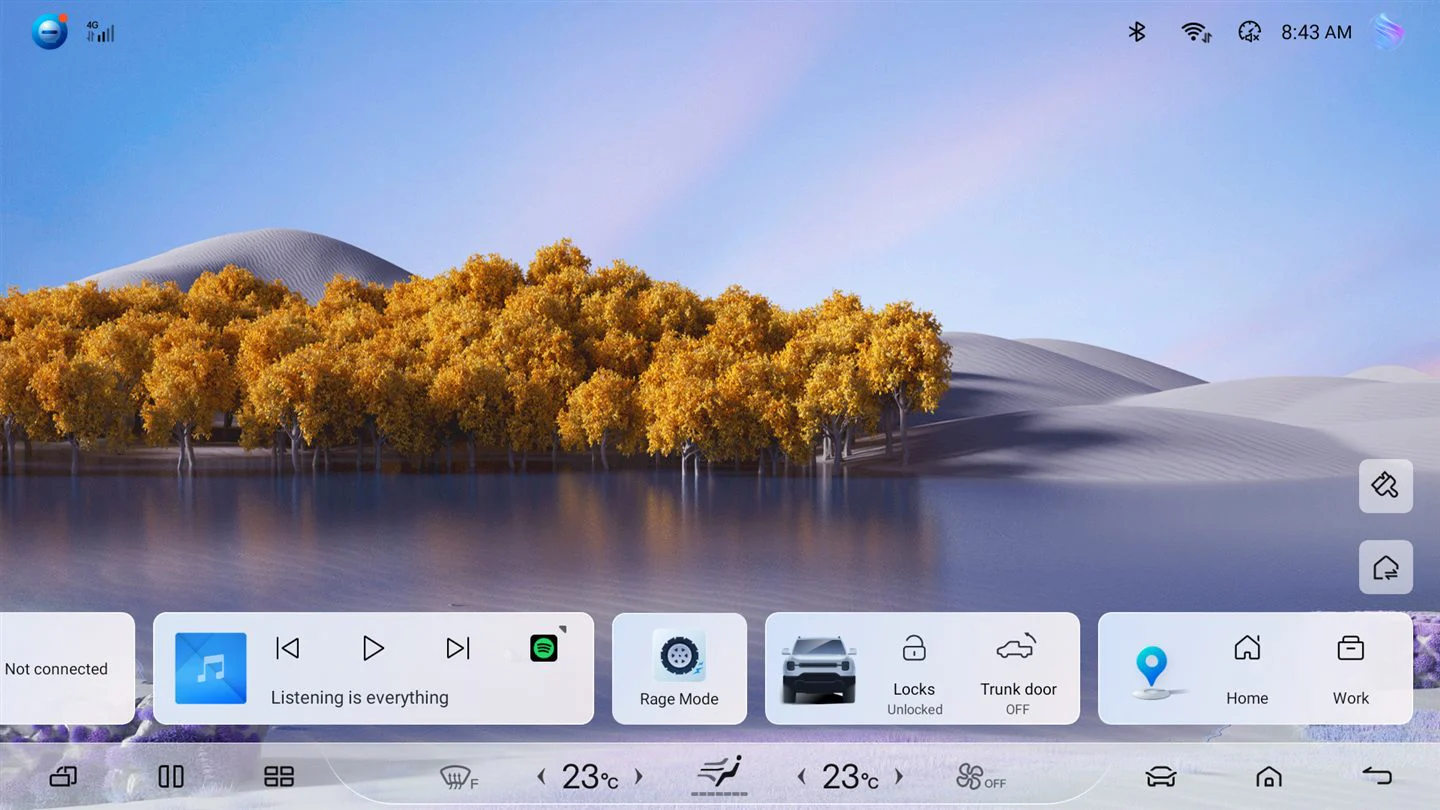
Step 1 of 7
Open the car settings
On the Shark’s screen, tap the car at the bottom right.
The Shark’s screens are real, from a BYD Shark 6 on software 56.1.2, and yours may look slightly different after a BYD update. The iPhone screen is Sharkify’s own. Enabling ADB needs no USB cable, whatever the button says.